
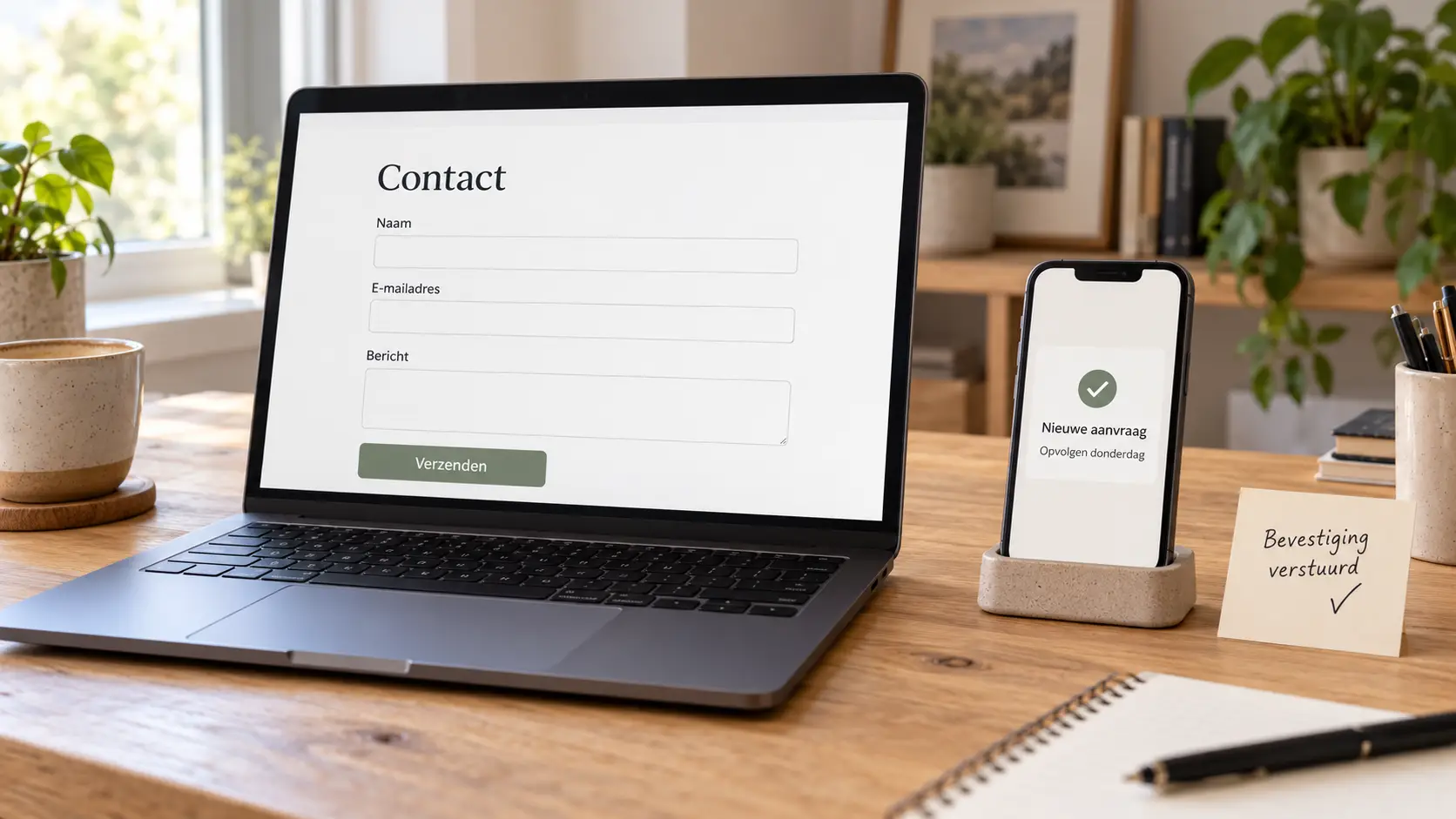
An inquiry comes in through your website. You read it on your cell phone and think, “I’ll reply to that later.”.
Then a customer calls. Something needs to be finished. Suddenly, it's evening.
And what about that request? It's probably tucked away somewhere between an invoice and a newsletter you never read anyway.
A contact form can work perfectly well, even if follow-up is still left undone. Do you want to automate your customer follow-up? If so, you can save a request, send a confirmation, and set a reminder for yourself at the right time.
You don't have to completely overhaul your entire business to do that. Start with the things you keep doing over and over again—or forgetting.
What happens after someone clicks ‘Send’?
That's the question I'd start with.
Does the request just end up in your inbox? Do you copy the information to a list afterward? Do you set a reminder somewhere? Or do you just trust that you'll remember it?
That last one works. Until things get busy.
Your form is the front door. But if an application doesn't end up in a specific place afterward, you'll have to keep track of everything in your head.
And there's probably already enough in there.
Automating Customer Follow-Up: Which Steps Can You Implement?’
You don't have to start right away with automated quotes, five follow-up emails, and an AI assistant.
Just a few simple steps can make a big difference.
Send a confirmation
Someone filled out your form. After that, there was no further response.
Was it sent? Did anyone receive it? Should that person try again?
A brief acknowledgment of receipt clears up that doubt:
“Thank you for your message. I’ve received your request. I’ll review it and get back to you within two business days.”
Only set a deadline that you can actually meet. If you don't work on Friday evenings, your system shouldn't cheerfully promise that you'll respond on Saturday.
You don't have to sell anything in that confirmation yet. Just explain what the next step is.
Keep the application in one place
An email inbox is handy for sending emails. But when you want to see which requests still need attention, it can quickly become a challenge to find them.
You can have each request automatically added to a list. For example:
- who contacted us;
- when the application was received;
- the subject of the question;
- what the status is;
- what you still need to do.
It doesn't have to be a complicated system. A simple overview that you use every day is more valuable than a comprehensive customer platform that you stop using after two weeks.
Set a task for yourself
“New form submission” lets you know that something has been received.
“Review Sofie’s application by Thursday” tells you what to do.
That difference makes a difference.
You can have a task created automatically right where you're already working. Or you can set a date for the next action on the request.
You don't need six reminders for that. One reminder in the right place is enough.
Follow up if there is no response
You sent a reply or a proposal. After that, you don't hear anything back.
Maybe the customer is busy. Maybe they're still on the fence. Maybe your email ended up mixed in with the same kind of newsletters as their request to you.
You can set a reminder for yourself after a few days to check in.
An automated follow-up email is also an option. But in that case, the system needs to know when it is no longer needed.
Someone who agreed yesterday shouldn't receive an email today asking, “Have you had a chance to look at my proposal yet?”
Feel free to start by sending a reminder to yourself. Then you can decide whether a message is still necessary.
Here's what it might look like for a workshop leader
Suppose someone requests a workshop for a group.
Your form asks for the type of workshop, the number of participants, and the desired time frame.
Then this happens:
- The applicant will receive a confirmation.
- The request will appear in your overview as ‘New.’.
- You'll be assigned the task of reviewing them.
- You discuss the options with the customer.
- You send a proposal and update its status.
- Later, you'll receive a reminder to check if there's already a response.
You don't have to retype the information. You don't have to memorize the application. And you can see the status of the call.
But you're still the one who decides whether that workshop is a good fit for the group, whether the schedule is feasible, and what you'll charge for it.
Those are the documents people come to you for.
Does that have to involve AI?
For a confirmation, a task, and a customer overview? No.
Those steps can follow set rules: when someone submits the form, this happens.
AI can be useful when you receive a lot of long requests. For example, to extract the most important information or to draft a response.
But first, see if you really need it.
If your form asks for a name, email address, and preferred workshop, there isn't much to summarize.
And an unclear process doesn't suddenly become clear just because you add AI to it. First, let's agree on what needs to be done. Then we'll decide how.
What's best to keep to yourself?
You probably don't want a system to simply promise a price, handle a complaint, or confirm an exceptional appointment.
To do that, you sometimes need to know more than what's on a form.
For example, a client asks for “a simple website.” During the conversation, it turns out that the project also involves payments, bookings, and three languages.
You want to be able to ask questions yourself before any money is transferred.
There's a lot you can prepare in advance: gathering data, organizing information, and having an answer ready. But when it comes to prices, exceptions, and sensitive questions, I prefer to build in a check point.
Reviewing a draft takes time. So does correcting a false promise.
Start with what you're doing today
Before you start comparing tools, write down how you follow up on a request.
Just the way things are right now.
Where does it come in? What do you copy? What do you send back? When do you look at it again?
Pay special attention to the moments when you find yourself thinking:
- I type this over and over again;
- I need to write this down somewhere;
- I forget this when I'm busy;
- I can't remember if I've already replied to this.
We can work with that.
You don't have to tackle everything at once. Maybe all you need for now is an overview and a reminder. That's automation, too.
Test Beyond Your Form
Submitting a form and seeing the email arrive is a start.
After that, you'll also want to know if the rest is correct.
Will the confirmation of receipt be sent? Have the details been saved correctly? Is the right person assigned the task? Will the reminder stop once the request has been processed?
Try it out what happens if someone clicks twice or if a link fails.
You want to be able to retrieve the original request in case a subsequent step fails. And you want to know that something went wrong.
Otherwise, you'll end up with a system that quietly does nothing. That's exactly why you didn't build it in the first place.
Also pay attention to where the data ends up
In your form, ask what you need to help someone further.
You don't have to find out someone's entire life story right from the first contact.
Next, review who has access to the request and which tools the data is forwarded to. Do you use an AI service? Be sure to include it in that overview as well.
Furthermore, a contact request does not automatically mean a subscription to your newsletter. Someone is asking for information, not necessarily your next twelve emails.
Handle those matters separately and make sure your visitors understand what happens to their data.
When is automated customer follow-up worth the effort?
The number of applications doesn't tell the whole story.
Even five requests a week can be a lot of hassle if you have to retype the information every time and keep searching for what you've already done.
Conversely, there's no need to build a complex system for something that almost never happens.
I would focus especially on tasks that come up regularly, usually follow the same steps, and either take a long time or tend to get put off.
Automation itself also requires attention. The settings need to be correct, integrations can change, and your workflow evolves along with your business.
That's why we keep it as simple as your situation allows.
Frequently Asked Questions
Can I automate the follow-up process for my contact form?
Yes. For example, you can send a confirmation of receipt, save the request, and create a task. What's possible depends on your form and the other systems you use.
Do I need a CRM for that?
Not always. A simple overview of statuses and next steps may be enough. You should only choose a more comprehensive system if it's useful to you.
Do I need AI for automated customer follow-up?
No. Many processes can be handled using fixed rules. AI may be helpful for lengthy requests or draft responses. First, determine what tasks you want to automate.
Can I send a follow-up email automatically?
You can do that if your systems support it. Just make sure the email stops when someone replies or the request is closed. Setting a reminder for yourself is often a good first step.
Do I need to have a new website built for that?
Not automatically. First, we'll see what your current form and website are already capable of. Sometimes a single setting or integration is all it takes. Sometimes it takes more work.
Are applications still piling up on your desk?
Tell me how they're coming in today and what you'll do next.
You don't need to know which tool you need. Just show me where you're typing, searching, or trying to remember things. Then we'll figure out how to make it easier.
I'll help you with your website and customer follow-up to connect with one another. With clear steps and room for the work you want to continue doing yourself.

 Dutch
Dutch  English